Create a Disaster Destruction is easiest to understand as a target-and-sequence decision: test a disaster on a House, move wide-area effects to a dense City Area, then change disasters before restoring the map. The official wiki confirms the core loop is to destroy the environment for cash, spend cash to unlock disasters, and chain different disasters for combo bonuses. It does not publish universal damage, radius, cooldown, or unlock-price values, so use the current in-game display for those values.
Choose a destruction target
Start small when you are learning what a disaster does. A single House lets you see whether the effect reaches a wall, floor, window, or only part of the structure. Once you understand the aim and timing, move to an area containing many Buildings. That gives a moving disaster or area effect more potential targets, but it also makes a single test harder to compare.
| Target | Best use | What to record |
|---|---|---|
| House | Inspect a local hit and learn aiming | Which floors, walls, or windows were affected |
| Buildings | Earn Coins and Points through repeated destruction | How many structures the disaster reaches |
| City Area | Test wide-area effects or a repeatable cash route | Coverage, missed targets, and the result after reset |
| Nuclear Facility | View the Nuclear facility/core-meltdown sequence | Treat it as a named special area, not a general damage benchmark |
The result of a single hit is conditional. Strike, for example, depends on its landing point: the supplied video shows it damaging only part of a house in one attempt and knocking out a floor in another. Do not turn either outcome into a fixed damage value.
Match disasters to the target
Use the disaster's observed role rather than assuming that a larger visual effect always pays more. The following is a practical test plan from the supplied wiki snapshot and videos, not a complete ranking.
| Disaster or group | Use it when | Evidence boundary |
|---|---|---|
| Strike | You want to practice a precise hit on one House | Landing-point results vary; no fixed damage value is published |
| Tornado | You want a moving effect across multiple Buildings | It changes the shape of the affected area; radius and reward are not documented |
| Volcano or Acid Rain | You want to test repeated area pressure on a dense target | The AFK video uses both, but does not establish their individual rewards |
| Chain Lightning | You are testing chained hits and can account for Electricity | The video emphasizes kills; range, damage, and payout are not published |
| Moonfall | You want to observe a large city-structure effect | The video reports windows being blown away; timing and coverage are unverified |
| Orbital Laser or Flammable | You want to compare a powerful strike or explosion | The video suggests strong destruction, but does not supply a reproducible measurement |
| Black Hole | You want a late-run spectacle within a varied chain | The official wiki names it as an advanced disaster but publishes no numeric stats |
Watch Moonfall damage city structures
This moment supports the Moonfall comparison by showing reported damage to city structures and windows, without treating one result as a fixed benchmark.

For a fair comparison, use the same target type, aim at a similar location, and restore the map before the next attempt. The maps guide helps identify the location context before you compare results. Compare the affected structures and the Coins or Points shown in your own session; do not compare an untouched house with an already damaged city.
Build a destruction chain
- Choose a House for an initial aiming test, or a City Area when the goal is broad coverage.
- Trigger one disaster and note which structures or building parts it reaches.
- Switch to a different disaster rather than repeating the same one.
- Watch the result for Combo Bonuses and record the Coins and Points shown in-game.
- Use Restore Map from the settings menu before starting a new comparison.
This route separates two goals. For testing, a House and a clean reset produce clearer observations. For earning, a dense City Area gives more simultaneous targets, but your result still depends on the disaster sequence, aim, settings, and current game version. The official source confirms the varied-chain bonus; it does not give a multiplier.
Repeat a cash run carefully
A supplied video demonstrates a desktop TinyTask macro using Tornado, Chain Lightning, Volcano, and Acid Rain against an area with many Buildings. It recommends lowering Charts to Level 3 to reduce Electricity costs, recording the movement and Restore Map action, and repeating the playback roughly every 30 seconds. The same video reports about 1 million Coins per minute.
Run the AFK destruction farm loop
This moment supports the cash-run section by showing the reported TinyTask sequence across a dense building area, followed by Restore Map.
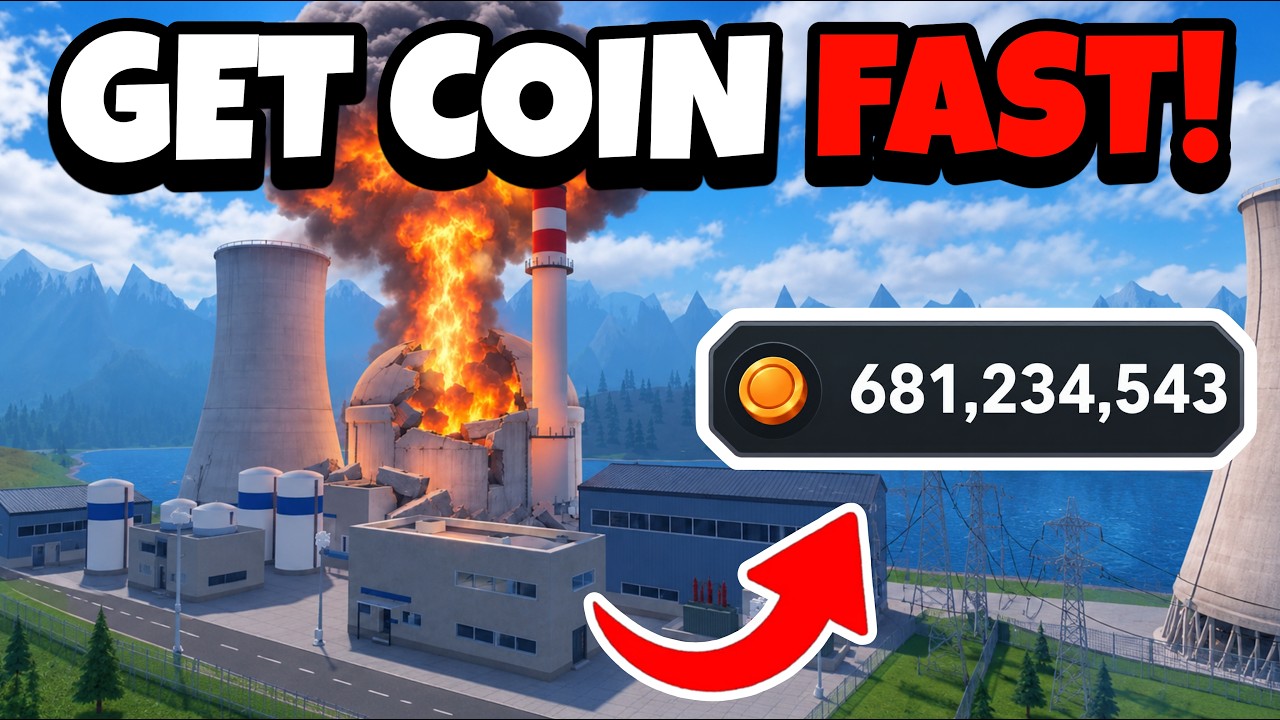
Treat that number as a reported observation, not a promise. It was not independently verified for this article, and the result can change with target density, disaster availability, Charts, Electricity use, timing, and updates. TinyTask is external software, so this is not an in-game AFK feature or a guaranteed progression method. If you use the idea, first run one manual cycle and measure your own Coins per minute before estimating how long an unlock will take.
For a simple estimate:
Player calculator
Create A Disaster cash goal calculator
Estimate the cash still needed, minutes of play, and sessions for a target using your observed earning rate.
Estimated result
- Still needed
- 10,000
- Estimated time
- 100
- Estimated sessions
- 5
Estimates use your observed rate and current target; they do not predict future game values.
Assumptions and sources
Assumptions
- The observed cash-per-minute rate stays constant while saving.
- A partial session counts as one full session and is rounded up.
- The player enters current prices and rates because the wiki does not publish fixed values.
Sources
- https://createadisaster.wiki/calculator/ · reviewed 2026-10-31
minutes needed = max(target Coins - current Coins, 0) / your observed Coins per minute
Round up to the next whole session when planning play time. Enter the current unlock target and your own measured rate; the supplied wiki does not provide fixed disaster prices.
Avoid misleading comparisons
- Do not call a disaster the strongest from a single visual test; no common damage scale is published.
- Do not treat a window, floor, or wall effect as guaranteed for every building or landing point.
- Do not count the video’s reported AFK income as a stable Coins-per-minute rate.
- Do not mix Nuclear Facility spectacle testing with a general city-destruction benchmark.
- Do not assume the listed limit of 25 explains unlocks or damage; its scope is not documented in the supplied evidence.
After a test or cash cycle, restore the map and decide whether your next run needs precision or coverage. Use a House for the former, a dense City Area for the latter, and change the disaster between attempts when you are pursuing Combo Bonuses.